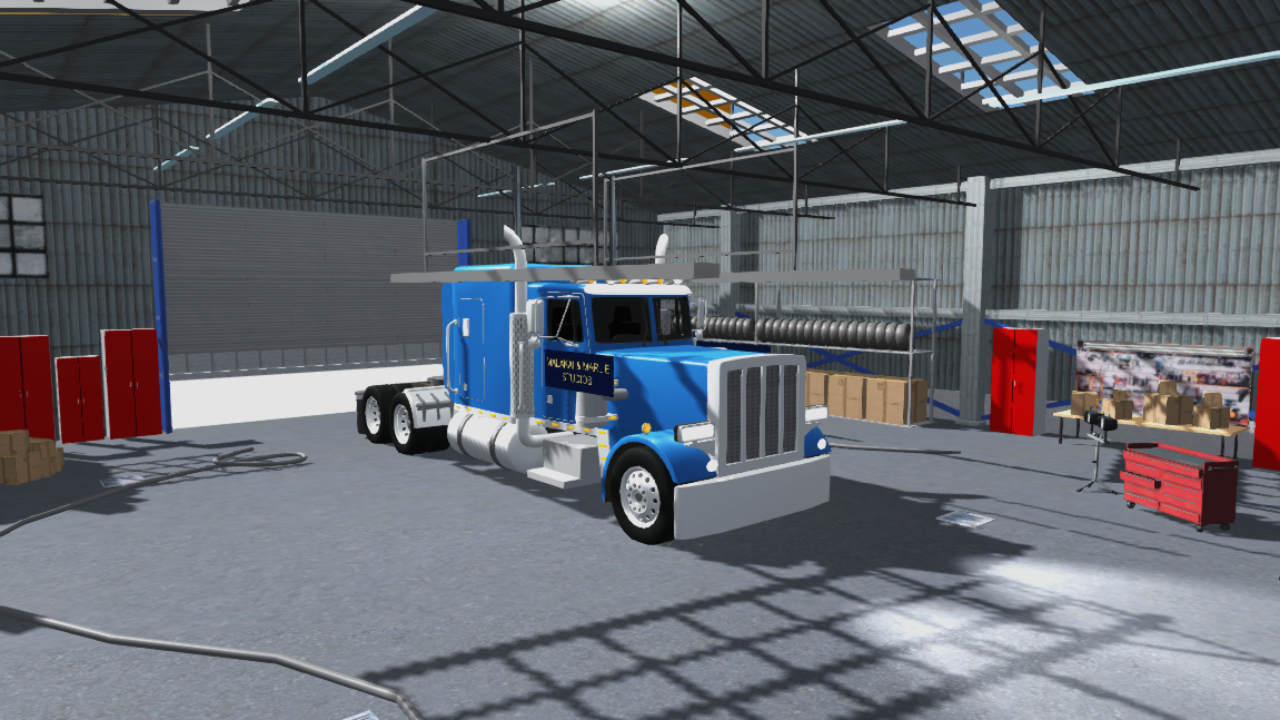
Meet Micah.
Take on jobs across Antigua. Collect packages, visit landmarks and make choices along the way.
A game by M & M Studios
Big rigs. Familiar roads.
Get behind the wheel and explore the island.
Windows / Android / iPhone beta
Explore the island
Country Pond. The High Court. Streets and places you know, recreated for your next drive.
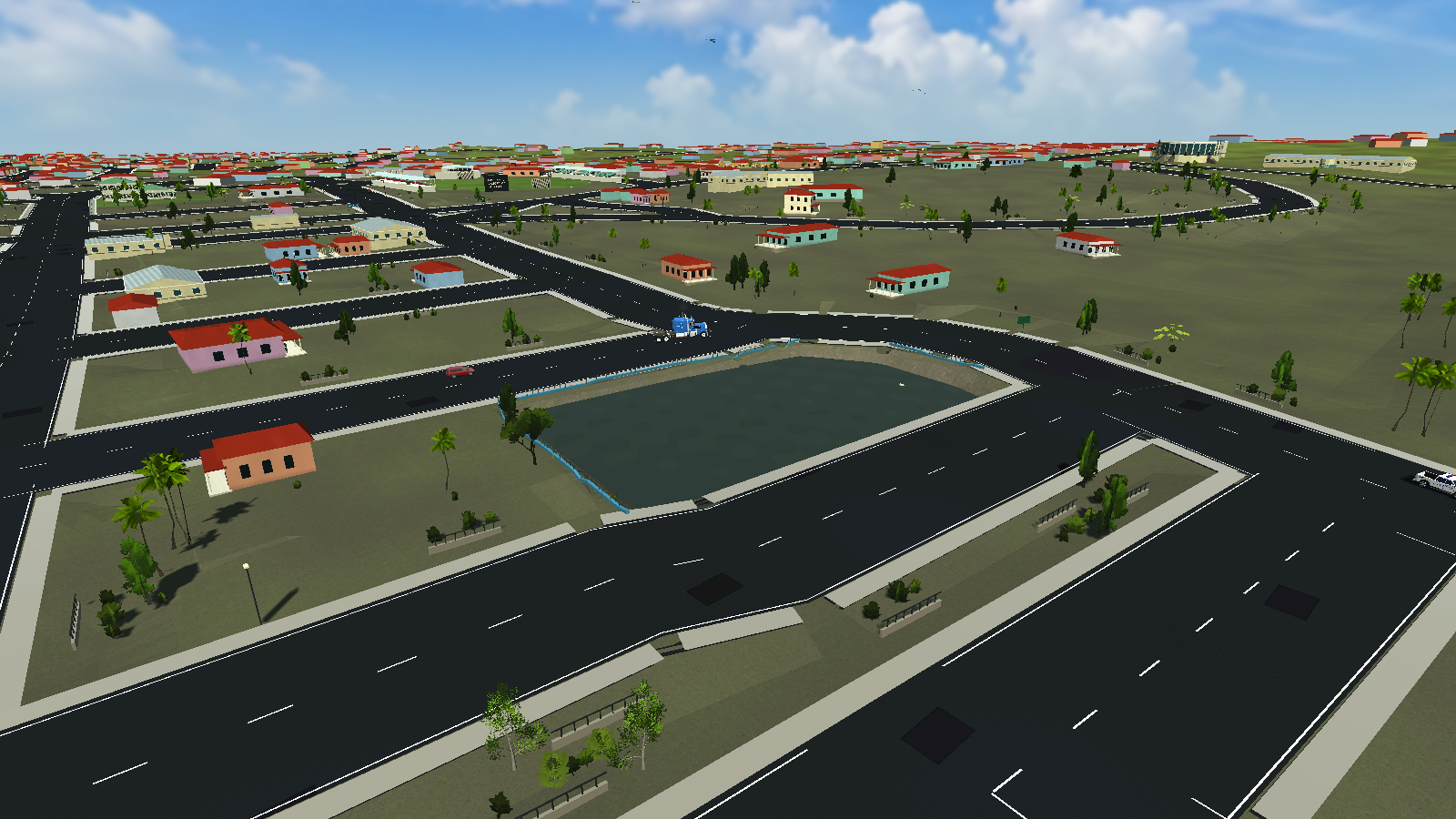
The island is still being developed. Buildings and road details are interpretations of real places.
Behind the wheel
Head out on a job, spend time in the garage or line up for a race.
Take on jobs across Antigua. Collect packages, visit landmarks and make choices along the way.
Choose your paint, customise your rig and work towards the next upgrade.
Play quick races, battle or capture the flag. Look for Nitro and island keepsakes as you drive.
Solo play is available for younger players. Online rooms are currently for ages 18 and over.
Official downloads
These are development releases. Features and performance can differ between devices.
Keyboard controls. Fullscreen or windowed.
64-bit WindowsInstallation guideInstall directly on your Android phone.
Android 8+ · ARM64 deviceInstallation guideJoin the Apple-approved beta through TestFlight.
Version 1.0 · Build 11 · Earlier than the Android releaseThe browser build is complete. Play testing is next.
Play availability is being checked.High-detail preview · 724 MB · More memory requiredGoogle Play and public App Store releases are being prepared. Current access is through direct downloads and TestFlight.
Download the ZIP and choose “Extract All” in File Explorer. Keep the extracted files together. Open PLAY FULLSCREEN.cmd for fullscreen, or PLAY WINDOWED.cmd for a smaller window. Alt + Enter switches display mode. You need 64-bit Windows 10 or newer.
This development download is not yet code-signed with a publisher certificate.
Use an ARM64 phone with Android 8 or newer. Download the APK and follow Android’s installation prompts. Install over your previous direct APK without uninstalling to retain saved progress. Use Wi-Fi; the download is over 800 MB.
Performance varies by phone. Try lower graphics settings on less powerful devices.
Install Apple’s TestFlight app, then open the invitation link above. The current iPhone release is a beta. TestFlight approval is separate from public App Store approval.
Younger players can use the solo modes. Online rooms are limited to adults aged 18 and over while the studio prepares appropriate safeguards for younger players. Online features are still being refined.
Email dadlidirectory@gmail.com with your device model, game version and what happened. Screenshots or a short recording help. Never send passwords or payment details.